

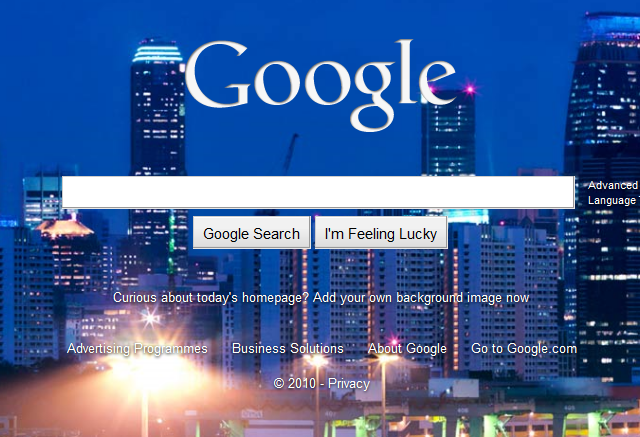
If you too were shocked and horrified at the awful Bingification of Google today, here’s how to fix it. Which you’ll want to do. I mean, just look at it:
First, click “Add your own background image now”, and upload this suitably sized blank image. Set that as your background, Bing and You’re Done(TM).
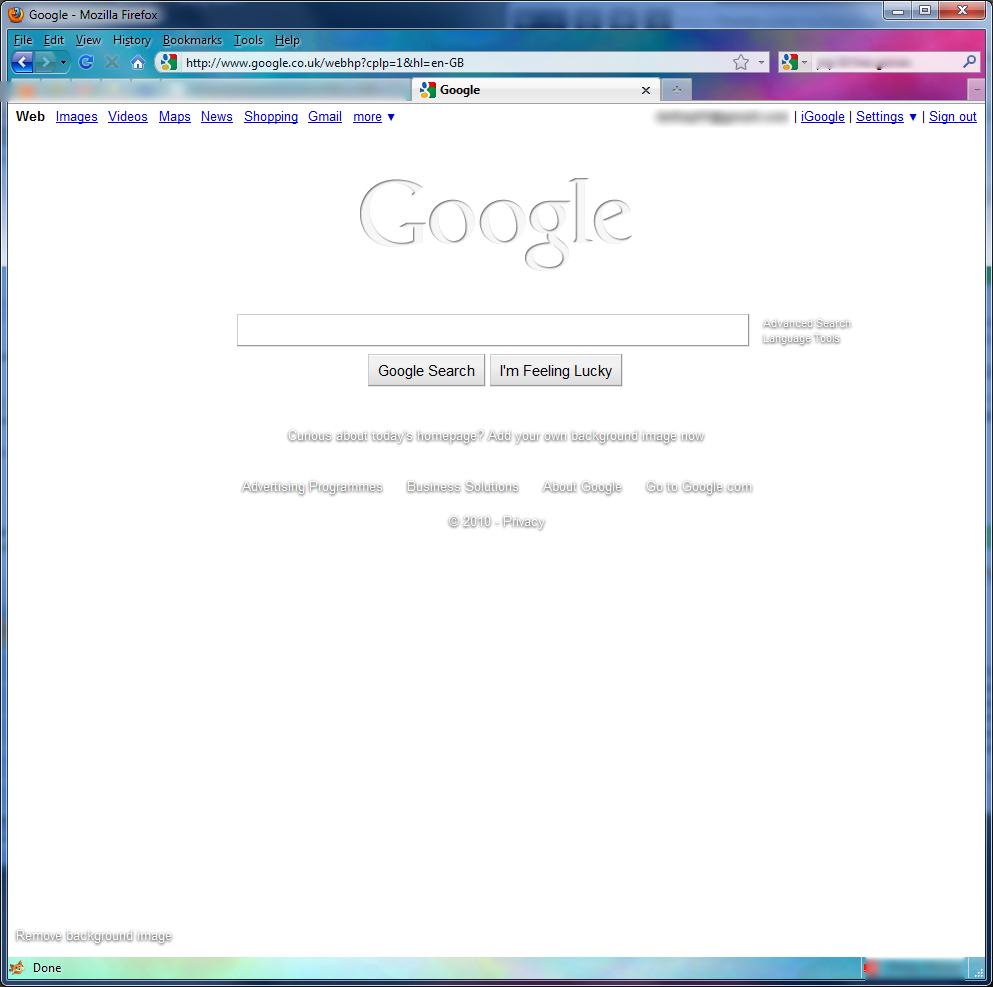
Phew, eh?


You don’t need to do that, you can click the “Change background image” link on the bottom left and then use the “White” background that is listed as one of the options.
Still doesn’t get the Google colours back though 🙁
That’s true, but I didn’t see that. It is hidden at the very bottom of Editor’s Picks though.
Google colours will be back tomorrow.
or use this version of Google.
It is google.com but it won’t display a picture background.
http://66.102.9.132/
Pingback: Tweets that mention deKay's Blog » Blog Archive » Google: There, I Fixed It -- Topsy.com